Ride Operator Simulator How to Operate Rides in RideOps
Master the station sequence from power-up to clear dispatch on Orkanen and beyond.
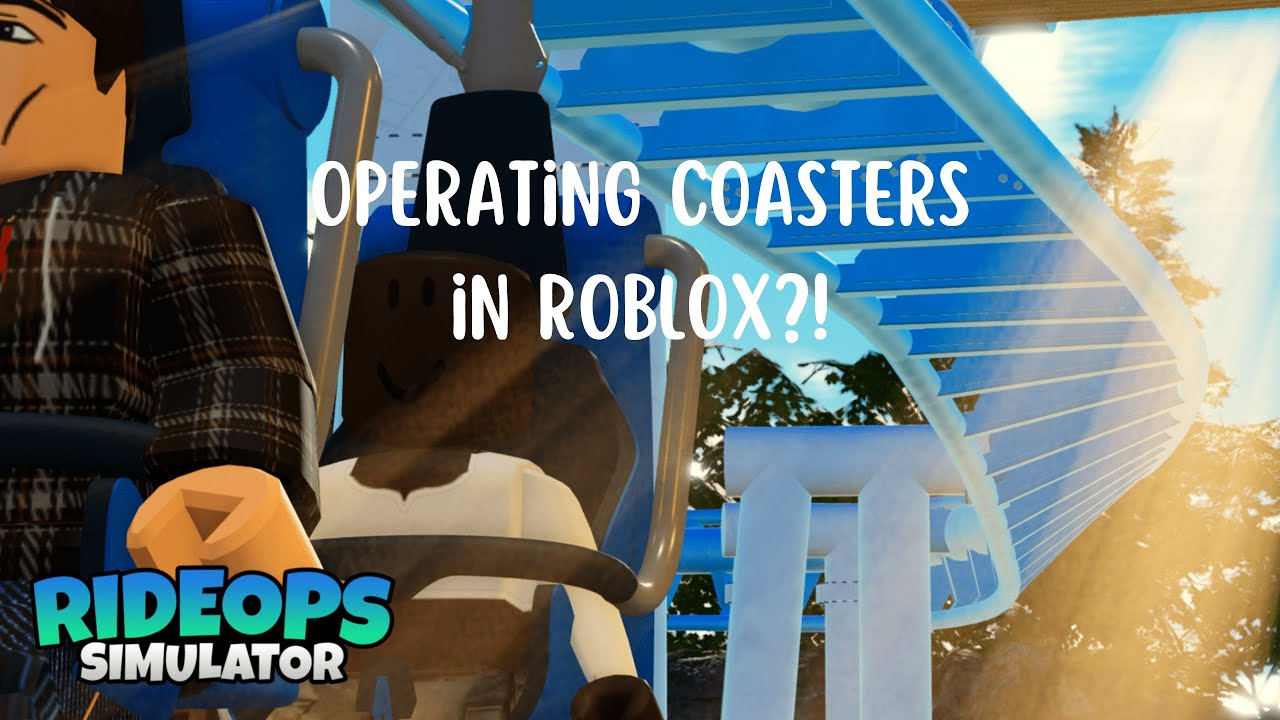
How to Operate is the deep procedure guide for Ride Operator Simulator. If Getting Started got you into Orkanen, this page turns that first success into a repeatable operator rhythm: power → panels → gates → restraints → walk → clear → dispatch → manage queues. For a ride-specific cold start, use Orkanen Walkthrough; for a panel glossary, open Controls. Pair it with Coaster Credits for farm goals and Multiplayer when you split roles with friends.
Mindset: you are the interlock
Real parks trust hardware interlocks; RideOps asks you to respect the same logic in software form. The dispatch control should not go green—or should not succeed—while entrance gates are open or restraints are unlocked. Treat every blocked dispatch as feedback, not as a broken button. Slow, correct cycles beat fast, failed clicks, especially while the game is still BETA.
Phase 1 — Power station and power panels
Before any boarding:
- Interact with the ride’s power station (or equivalent main power point) to bring the attraction online.
- Visit each power panel and set the switches so every required panel is energized.
- Visually confirm station lighting / panel states match an operable ride.
Skipping panel switches is a classic new-player mistake shown in early community footage. Guests cannot fix an unpowered station for you. During updates that add CCTV or UI tweaks, re-learn where power lives; BETA layouts can shift.
Phase 2 — Unload and open for boarding
When a train sits in the station:
- Unlock restraints so riders (or an empty test train’s “ghost” state) can clear.
- Open entrance / air gates to admit the next group from the queue.
- Watch how guests fill rows. If your build teleports or seats quickly, still wait until the platform looks intentional before closing.
If you are practicing alone, send an empty or light train first to learn timings without worrying about satisfaction. The embedded BETA gameplay video on this page is useful for seeing restraint locks, Fast Track switching, and dispatch cadence in a live session.
Phase 3 — Close, lock, and walk
- Close gates once the train is loaded.
- Lock restraints at the master control.
- Complete any per-row or per-seat restraint interactions the coaster requires. Orkanen-style operation often expects you to physically confirm closures rather than trusting a single master click.
- Walk the train: scan for open bars, odd seating, and prohibited items such as phones or balloons. Community operators note you can sometimes still ride with contraband, but walking trains builds the discipline you will need on busier multiplayer servers.
Never clear while you are still mid-walk. Finish the platform check, then return to the booth mindset.
Phase 4 — Clear and dispatch
- Confirm gates closed and restraints locked.
- Hit clear (or wait until the panel itself shows clear) only when interlocks agree.
- Move to the dispatch control. Some community clips show a control that must stay engaged or be pressed with intent—learn Orkanen’s exact feel in your current build.
- Watch the train leave. Do not immediately mash unlock; wait for a proper return and stop.
If clear refuses to light, re-check gates and restraints before blaming latency. If dispatch fails after clear, verify you did not reopen a gate or miss a restraint row.
Phase 5 — Queues, Fast Track, and CCTV
Guest satisfaction hinges on acceptable queue movement. Many sessions expose multiple queue streams (for example main versus Fast Track). Practical habits:
- Glance at which queue is stacking before you open gates.
- Prefer the heavier line when the station can take a full train.
- Avoid starving one line for several cycles unless you are intentionally draining a backup.
- Use in-game CCTV when your update includes it—monitor air gates and queue corridors without abandoning the operate loop.
Throughput is how you earn Coaster Credits. A pretty but stalled queue earns nothing. For currency targets and unlock planning, read Coaster Credits.
Solo versus crew efficiency
Solo: you own every phase. Expect more walking time between booth and train. Practice a consistent path so you never forget lock-before-clear.
Crew (see Multiplayer): assign a booth operator (power reminders, gates, master lock/unlock, clear, dispatch) and one or more platform walkers (row checks, guest issues). On a 25-player server you will not need everyone on Orkanen—keep the active crew small and communicative.
Ride roadmap awareness
Today’s muscle memory is tuned on Orkanen (Djurs Sommerland). Announced or teased attractions such as UNCHARTED (PortAventura) and a Hyperia recreation will reuse the same phases even if panel art and restraint counts change. When a new ride ships, re-run this checklist once slowly, then speed up. Track release chatter on Updates, Discord, and @RBXRideOps.
Failure modes and BETA quirks
- Engineer call UI may exist without a finished function—do not stall operations waiting for it.
- Device-limited bug-fix windows may prefer PC; switch platforms if Discord says so.
- Day or shift flavor may reset while credits persist—operate for credits, not for a fake career meter.
- Never paste unverified strings from random chats; only use Codes when this wiki lists working rewards.
- Avoid relying on Scripts to skip learning panels; exploitation risks your account and teaches nothing about real dispatch timing.
Practice drills
- Empty cycle drill — ten dispatches with minimal guests, perfect clear discipline.
- Full station drill — only dispatch completely loaded trains; measure how long each cycle takes.
- Queue balance drill — deliberately swing between Fast Track and main for five cycles each without stranding either.
- Blind walk drill — have a friend booth while you only walk restraints, then swap.
Log what breaks. If a patch changes a button, update your personal notes and re-check Guides Hub.
Related reading
- Getting Started — access and first hour.
- Coaster Credits — why clean cycles fund unlocks.
- Multiplayer — role split and invite flow.
- Tier List — community ride priority once more attractions exist.
- Players / Wiki — people and official links.
Operate like every clear matters. In RideOps, it does: credits, guest flow, and your crew’s trust all ride on that green dispatch.
Frequently Asked Questions
Quick answers for Ride Operator Simulator players.
What is the correct order before dispatch?
Power the station and panels first. For each train: unlock as needed, open gates, board, close gates, lock restraints, walk the train, clear, then dispatch. Do not clear with gates open or restraints unlocked.
What do power panels do?
After the main power station comes online, individual power panels must be switched so the ride is fully energized. Skipping them leaves you unable to run a proper operate session.
Should I use CCTV?
Yes when your build includes it. CCTV helps monitor air gates and queues so you can keep throughput high without guessing from the booth alone.
Why switch between Fast Track and main queues?
Guest satisfaction depends on moving lines at an acceptable rate. Balancing queues keeps the station full and Coaster Credits flowing instead of letting one line stagnate.
Does the engineer button work?
In early BETA footage the engineer call is often a stub for future expansion. Do not stop operating while waiting for a feature that is not finished yet.